
Want to make a still photo move with a free trial before buying a subscription? What once required editing skills can now take less than three minutes. This guide explains what photo to video AI free actually means, how to choose a useful free option, and the exact workflow for turning a photo into a short video online.
Wondertake follows a simple workflow: choose a photo, optionally describe the motion, sign in with Google, generate, and download an MP4. Google sign-in is currently required. Eligible new accounts receive 12 one-time credits, subject to anti-abuse checks and availability. The generator shows your balance and the cost for the selected model and settings. No credit card is required. Free output includes a watermark; active Pro and Max subscriptions generate without the site watermark.
Looking for a direct, tool-first workflow? Try our photo to video AI tool to upload a picture and generate a video on the same page.
Turn a photo into a video now
Try the free photo-to-video AI tool — start with Google →
Google sign-in currently required. Eligible new accounts receive 12 one-time credits. No credit card; free output is watermarked.
What does “photo to video AI free” really mean?
Photo-to-video AI analyzes a still image and predicts how its subject, background, lighting, and camera could move across a short sequence of frames. Instead of manually building keyframes, you provide the starting photo and, if you want more control, a short motion prompt.
“Free” does not always mean the same thing. Video generation uses paid GPU processing, so most tools limit free usage in one of three ways:
| Free access type | What you usually get |
|---|---|
| No-login free | Generate immediately, with a strict daily allowance |
| Account-gated free | Create an account for renewable daily or monthly credits |
| Trial credits | Receive a one-time credit balance that does not renew |
If you need one or two quick clips and want to avoid an account, a no-login generator is the most direct fit. If you generate frequently, an account-based option with renewable credits may offer a larger allowance.
How to turn a photo into a video with AI for free
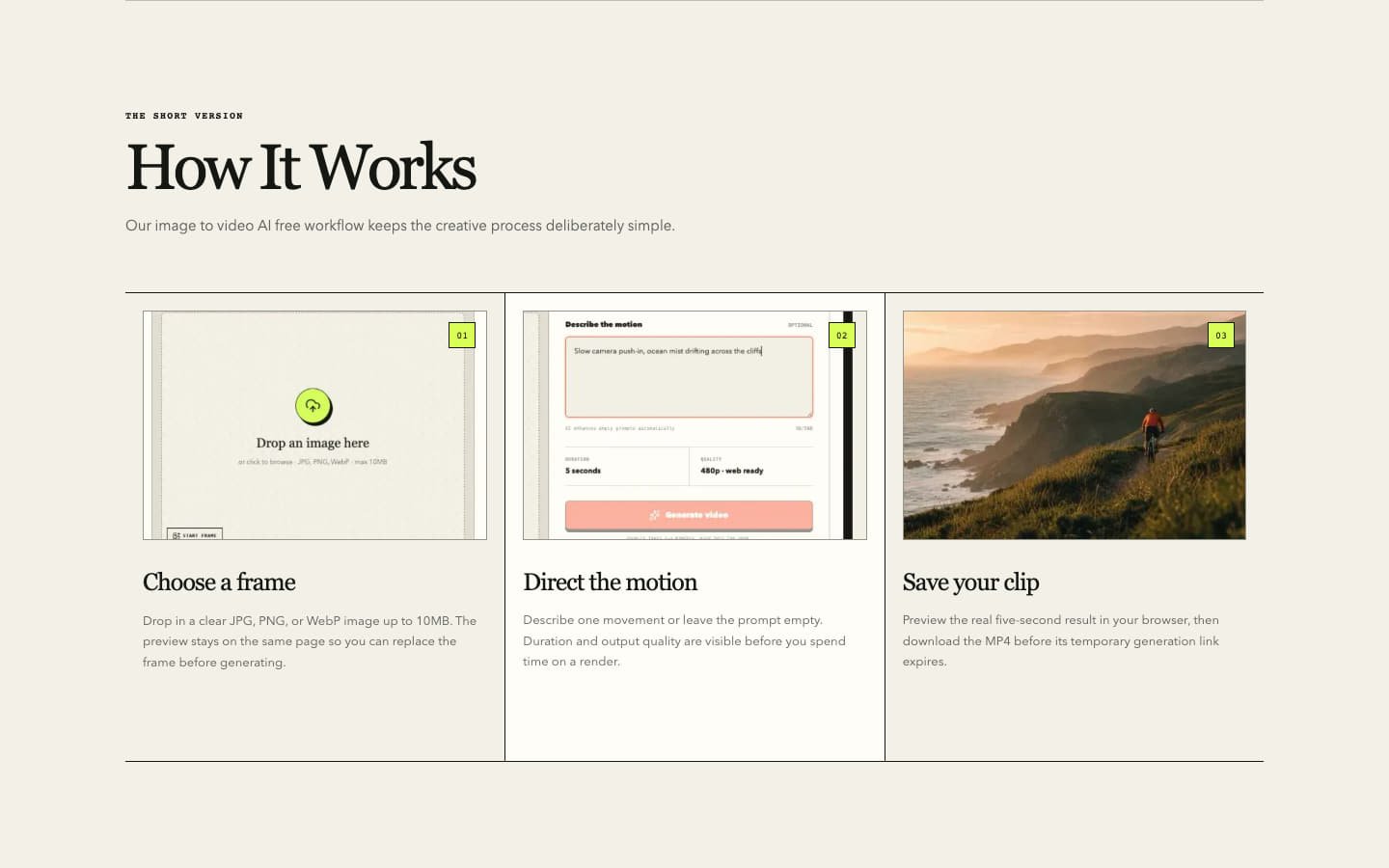
The fastest workflow takes three steps: upload, direct the motion, and download the finished clip.
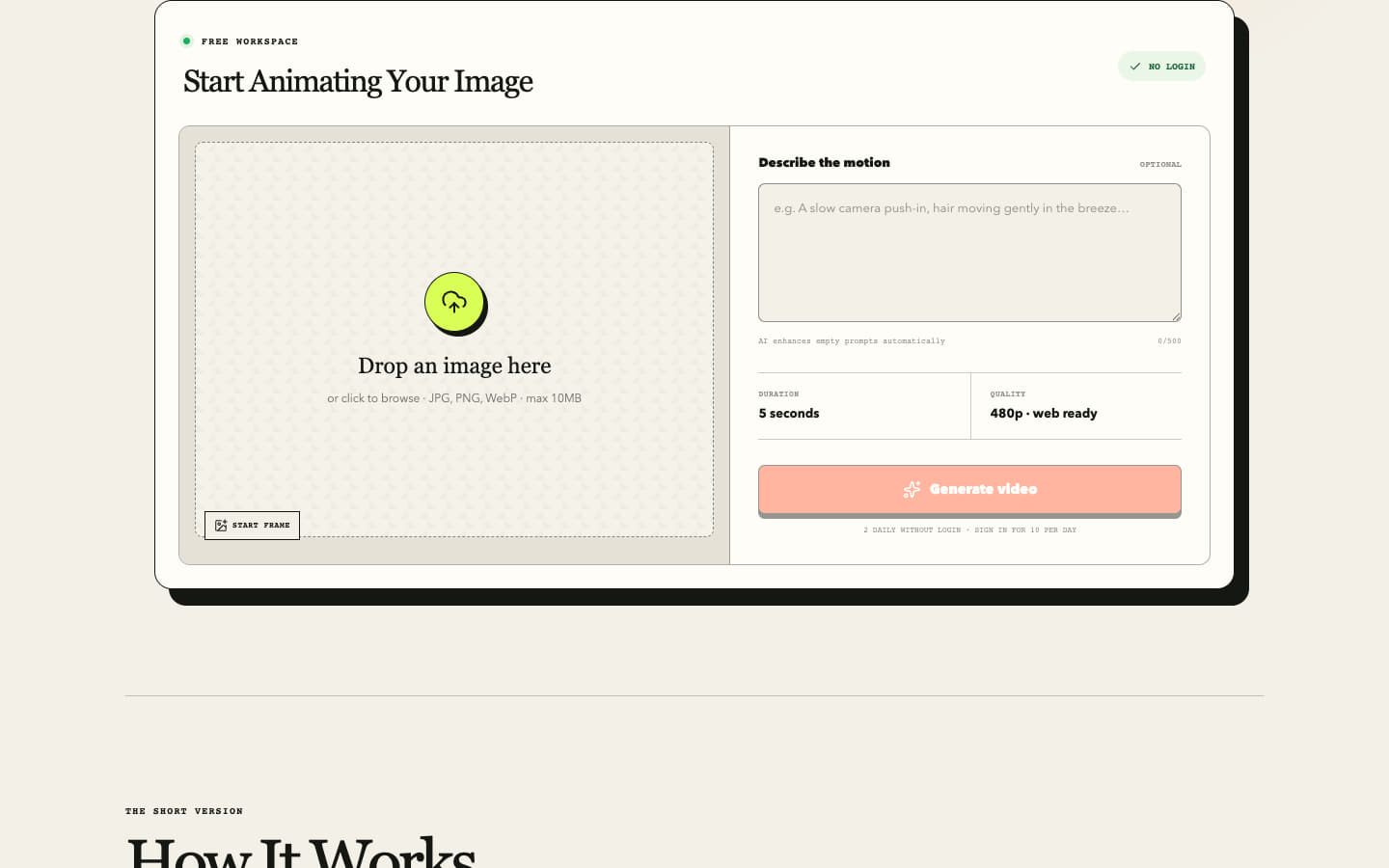
Step 1: Upload your photo
Open the free photo-to-video generator, then drag your image into the upload area or choose it from your device. The current tool accepts JPG, PNG, and WebP files up to 10 MB.
For a stronger first result, choose an image with:
- one clear subject;
- visible separation between the subject and background;
- sharp, well-lit details;
- enough room for the requested movement;
- little or no small text that must remain perfectly stable.
Crowded scenes, overlapping hands, heavy compression, and tiny lettering give the model more uncertain details to reconstruct between frames.
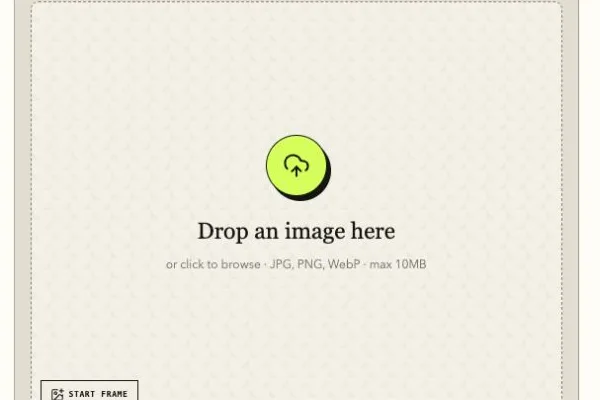
Step 2: Describe the motion—or leave the prompt empty
The motion prompt is optional. You can write a focused instruction such as “slow camera push-in, hair moving gently in the breeze,” or leave the field empty and let the tool enhance the prompt from the image.
Useful motion prompts describe one subject action and one camera movement:
| Photo type | Motion prompt to try |
|---|---|
| Portrait | Gentle blink and head movement, soft light, slow camera push-in |
| Landscape | Clouds drifting, water moving naturally, slow pan across the scene |
| Product photo | Subtle rotation, light reflection sweep, steady camera |
| Pet photo | Ears twitch, natural breathing, tail moving gently |
Short, physically plausible instructions usually preserve the source photo better than requests for several dramatic actions at once.
Step 3: Generate, preview, and download
Select Generate video and keep the page open while the AI processes the image. Most generations complete in one to three minutes, although queue time can change with demand.
Sign in with Google and check the selected model, supported settings, and displayed credit cost. Free-account output includes a watermark; active Pro and Max output does not. Play the full preview and check the subject, motion, and important details, then download the MP4.
Completed videos are normally copied to managed media storage, but you should download a local copy of any result you need to retain.
Ready to animate your photo?
Create your first photo-to-video clip for free →
No installation or credit card required. Google sign-in is currently required to generate.
Which photos make the best AI videos?
The model performs best when the source already suggests believable motion. A portrait can blink or breathe subtly, clouds can drift across a landscape, and light can move across a product. These changes require the AI to invent less hidden visual information.
Photos that tend to work well
- Front-facing portraits with visible facial features
- Landscapes with distinct foreground and background layers
- Product images with clean edges and uncluttered backgrounds
- Scenes where the intended movement is physically plausible
- Sharp images with consistent lighting
Photos that are harder to animate
- Busy group shots with overlapping people
- Very low-resolution or heavily compressed images
- Text-heavy graphics and screenshots
- Photos with hidden hands or partially obscured faces
- Scenes requiring the subject to perform an extreme transformation
If the first result looks distorted, reduce the motion before making the prompt longer. A gentle camera push-in, moving light, or subtle environmental motion often works better than a full-body turn or a complex scene change.
Is there a truly unlimited free photo-to-video AI?
You may see searches for photo to video AI free unlimited, but unlimited free generation is rarely sustainable. Every video consumes GPU time, so the cost must be covered by daily limits, account credits, paid plans, advertising, or temporary promotional funding.
Choose the type of access based on how many clips you actually need:
| Your need | What to look for |
|---|---|
| One or two quick clips | A no-login tool with a daily guest allowance |
| Several clips each day | A free account with renewable daily credits |
| Regular high-volume work | A paid plan with a clear cost per generation |
Wondertake offers eligible new Google accounts 12 one-time credits. They do not refresh or expire, and generation costs depend on the model and settings. See the free generation limits guide for current access conditions and limits.
How does Wondertake compare with other free options?
Wondertake focuses on one-image motion prompting, preview, and MP4 download. Google sign-in is currently required. Compare tools by supported models, output settings, available trial credits, and download conditions.
| What matters | Wondertake |
|---|---|
| Generation access | Google sign-in currently required; anonymous generation temporarily unavailable |
| Signed-in allowance | Eligible new accounts: 12 one-time credits; video count depends on model and settings |
| Free output | Watermarked MP4; signed-in settings up to 1080p and 15s |
| Pro / Max output | Watermark-free MP4 with settings up to 1080p and 15s |
| Motion prompt | Optional |
| Credit card | Not required for the free trial |
For a broader, regularly reviewed comparison, see the best free AI image-to-video tools with no-sign-up details. Free offers can change, so verify a provider’s current pricing and licensing terms before using it for a client deadline or commercial campaign.
Tips for better photo-to-video results
Ask for one main movement
“The subject turns, walks, waves, and the camera orbits” gives the model too many competing tasks. Start with one action that can read clearly within five seconds.
Give the camera one direction
Choose a push-in, pull-back, pan, tilt, track, or locked camera. Combining several camera moves can make the result feel unstable.
Describe visible physics
Concrete phrases such as “hair moves gently,” “water ripples,” “clouds drift,” and “reflections sweep across the surface” are easier to interpret than vague requests such as “make it cinematic.”
Improve the source before spending another generation
A new prompt cannot recover detail that is missing from the photo. If faces, product edges, or important textures are blurred, use a sharper source or crop closer to the subject.
For more prompt examples and troubleshooting advice, follow the complete step-by-step guide to turning a photo into a video with AI.
Frequently asked questions
How do I convert a photo to video with AI for free?
Upload a JPG, PNG, or WebP photo, optionally describe the motion, and select Generate. Google sign-in is currently required. Eligible new accounts receive 12 one-time credits, subject to anti-abuse checks and availability. The generator shows your balance and the cost for the selected model and settings. No credit card is required.
What is the best free photo-to-video AI tool?
The best option depends on your goal. For a quick photo animation, Wondertake provides the generator on the first screen. Google sign-in is currently required; no credit card is needed to start. A larger creative suite may be a better fit if you need timeline editing, several models, or a long-term asset library.
Can I turn a photo into a video without signing up?
Not currently on Wondertake. Anonymous generation is temporarily unavailable; sign in with Google to continue. No credit card is required for eligible trial credits.
Does the free video have a watermark?
Yes. Free-account output includes a Wondertake watermark. Signed-in users can choose up to 1080p and 15 seconds; active Pro and Max subscriptions generate without the watermark. Other providers may apply different watermark or licensing restrictions, so check their current terms before publishing.
Why start a test at a lower resolution?
AI video generation is GPU-intensive. A short 480p output keeps the free workflow fast and sustainable while producing a clip suitable for experiments, social drafts, storyboards, and further editing.
How long does photo-to-video generation take?
Most generations complete in one to three minutes, depending on processing demand. The page displays progress while the clip is being created.
Can I use the generated video commercially?
Review the current Terms of Service before commercial use. You must also have the rights to the source image, and third-party tools may impose their own free-tier licensing restrictions.
Turn your photo into a video
Photo-to-video AI makes it possible to test motion ideas without installing an editor or building animations by hand. Start with one clear image, request one believable movement, preview the five-second result, and download the clip you want to keep.
Turn a photo into an AI video for free — start with Google →
Product limits and output details can change. Check the current generator before starting; the article update date is shown above.
