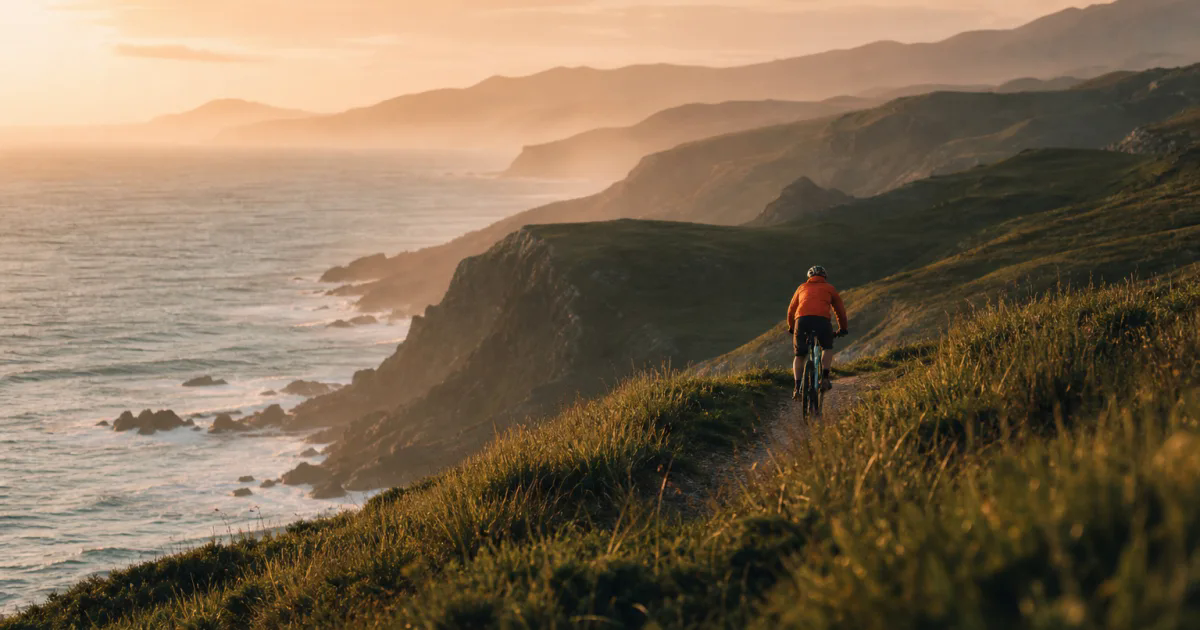
 Source image · creative idea
A little forward motion
Follow the cyclist along the coast, with gentle wheel movement and a steady tracking shot.
5s · 720p · 16:9 FreeImage2Video
Create videos with Kling 4.0 from image and video references. Describe how each reference should guide the scene, choose your settings, and review the credit cost before generating.
Google sign-in required to generate.Three creative directions using source images. Choose an idea to load its settings and prompt, then add your own references. These images are starting points, not generated-video results.
Source image · creative ideaFollow the cyclist along the coast, with gentle wheel movement and a steady tracking shot.
5s · 720p · 16:9 Source image · creative idea
Slowly orbit the bottle. Keep its label legible as the reflections move across the glass.
5s · 1080p · 1:1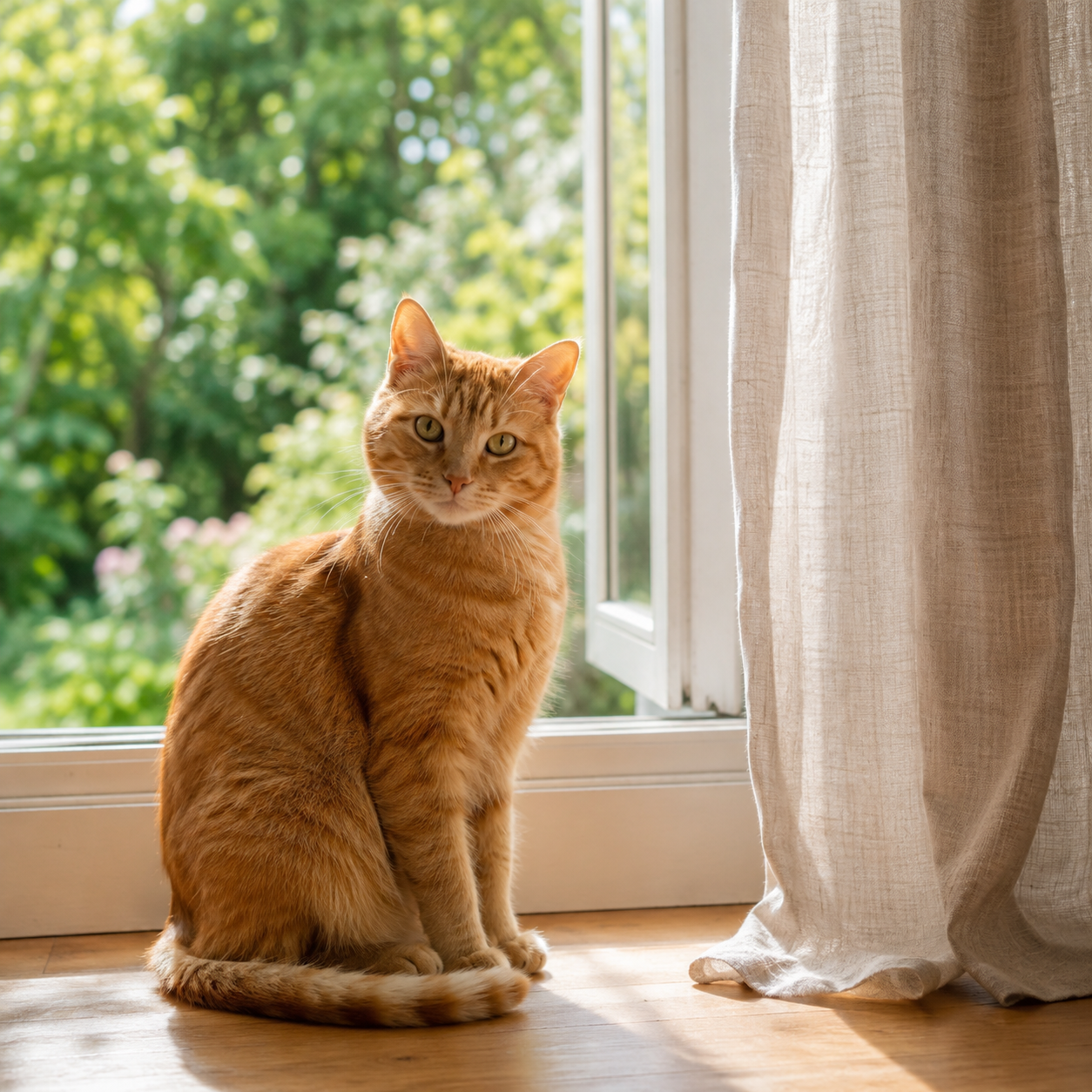 Source image · creative idea
A subtle blink, a gentle turn of the head. Keep the fur and warm window light consistent.
5s · 720p · 9:16Set up your clip first. Review the final quote before you generate.
Image references: 35.625 credits/s at 720p, 53.125 at 1080p. With video references: 21.25 or 31.875 credits per billable second. The whole-video quote is rounded up once.
Review your settingsUpload a clear photo. Add more reference images or a reference video to guide the scene.
Write a short motion prompt, then choose the duration, resolution and aspect ratio.
Check the credit cost, sign in and generate. Preview the finished video and download your MP4.
Start with a single subject action and one camera movement. A short, specific prompt is easier to follow than competing instructions.
Use @image_1 or @video_1 in your prompt to describe how each reference should guide the scene. These are references, not a sequence of keyframes.
Use source images close to your output ratio. Keep important details away from the edges, and review every result before sharing.
Create videos with Kling 4.0 from image and video references. This page accepts up to 10 images and 5 videos. Reference videos must be 2–30 seconds each and no more than 30 seconds in total. Custom elements and separate voice references are not offered in this workspace.
Yes. Upload one image and describe the motion. You can also combine images and videos. References guide appearance, scene and movement; they are not assigned start, middle or end frames.
Use the tag shown beside the file, such as @image_1 or @video_1. Every tag in your prompt must match an uploaded file. Remove a file’s tag from the prompt before removing that file.
Images: JPG, PNG or WEBP, up to 10 MB, with sides of 300–65,536 pixels and an aspect ratio between 0.4 and 2.5. Videos: MP4, MOV or WEBM, up to 10 MB each. Files are verified by the server before generation.
You can prepare a draft before signing in. Generation requires Google sign-in and sufficient site credits. Review the cost and watermark condition beside Generate before submitting.
Without video input, billing uses output duration. With video input, billable seconds equal output duration plus the greater of total input duration and output duration. For example, 10 seconds of output with 5 seconds of video input bills 20 seconds. Multiple input videos are added together.
Images, videos, prompts and settings are saved in this browser on this device. Signing in or returning from Pricing does not start generation automatically. Account-bound drafts are not restored into another account.
Your draft remains available. If submission status is uncertain, check the existing request before submitting again. Confirmed failure refunds and the current task status are displayed with the result; an uncertain request is not treated as a failed generation.
Without reference video input, Kling generates native audio automatically. With video references, you can choose whether to keep the original sound. The site watermark condition depends on your account and eligible credit balance and is shown in the current server quote.