01How many free videos can I create?+
Eligible new Google accounts receive 12 one-time credits. Each generation uses credits based on the selected model and settings. Free generation is subject to shared anti-abuse limits and provider availability.
02Do I need to create an account first?+
Sign in with Google to generate videos and access your private generation history. No credit card is required to start.
03What image formats work best?+
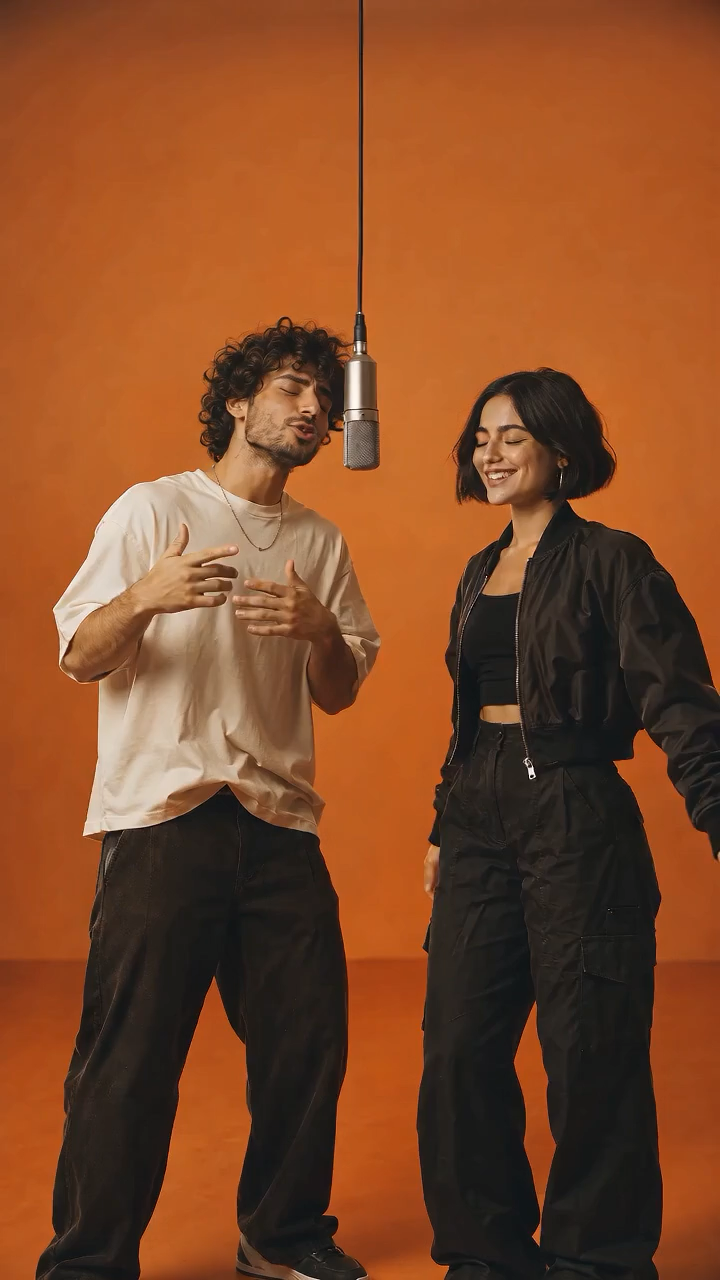
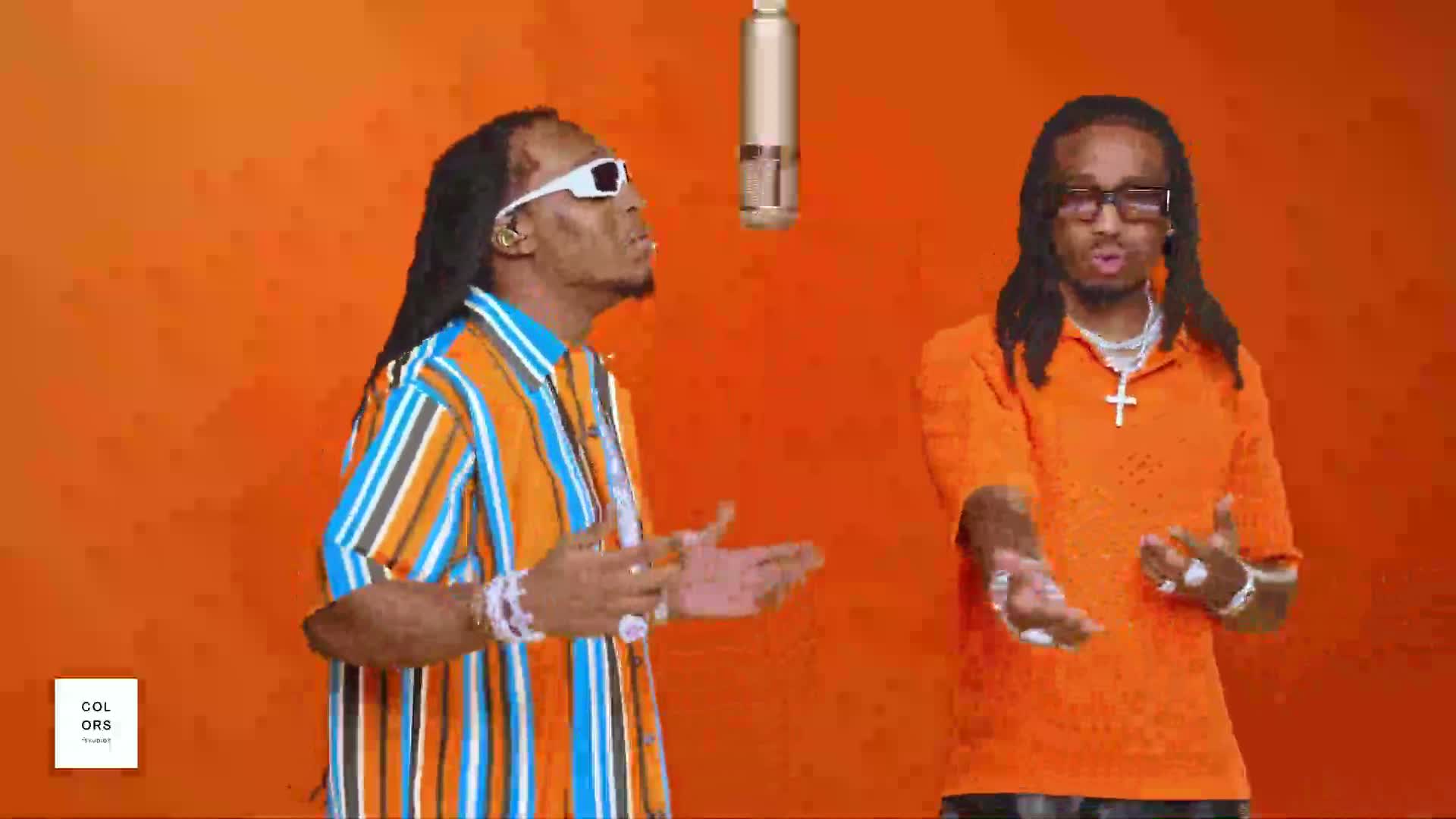
JPG, PNG, and WebP files up to 10MB are supported. A clear, well-lit image with a distinct subject usually creates the most stable motion.
04How long does video generation take?+
Most videos finish in one to three minutes. Processing time can vary with the clip length and how busy the model queue is.
05Can I download the generated video?+
Yes. When rendering finishes, preview the result in your browser and use the download button to save the MP4.
06What's the difference between this and video editing software?+
Traditional video editors arrange clips you already have on a timeline. This tool creates a new short video from one still image, so it is faster for concept art, storyboards, product shots, and social posts. You can still bring the downloaded MP4 into an editor later for music, captions, cuts, or color work.
07What kind of motion can I add?+
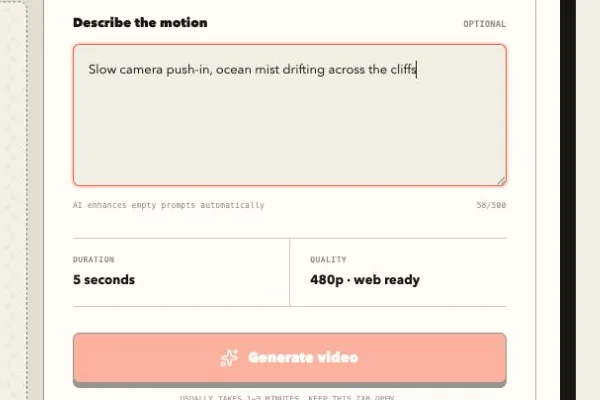
You can ask for a slow zoom, camera pan, parallax depth, drifting clouds, moving water, fabric in the wind, a subtle head turn, or a product rotation. Simple, specific motion usually looks more stable than asking every part of the frame to change at once.